Make a Cartoon!
Roblox game · by Original efforts
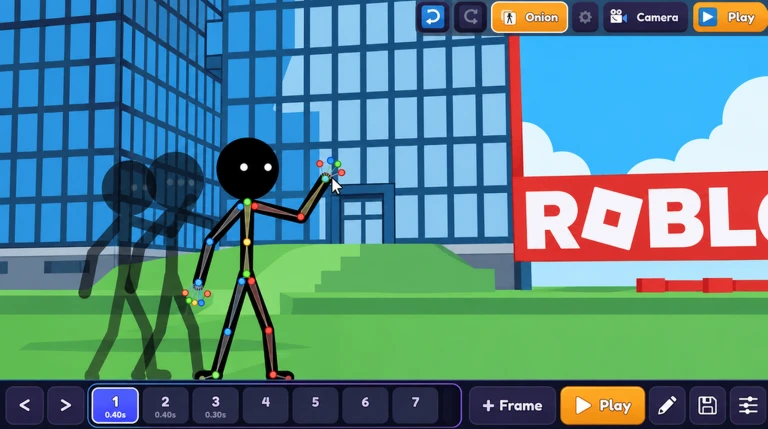
In Make a Cartoon on Roblox, you build a scene with stickmen, animals, props and effects, then pose the characters by dragging their joints. You add frames to move them step by step and press Play to see the result. Scenes such as City, Beach, Space and Night, speech bubbles and camera moves add more to each cartoon, and finished pieces can be shared in the Gallery.
- 1,599playing now
- Oct 30first on the charts
- None yetactive codes
- 72%liked it
 New Oct 30
Codes
Make a Cartoon codes right now
Last checked
No codes for Make a Cartoon yet. The developer has not posted any in the game's description. We check it every 6 hours; last checked .
Gameplay
How Make a Cartoon works
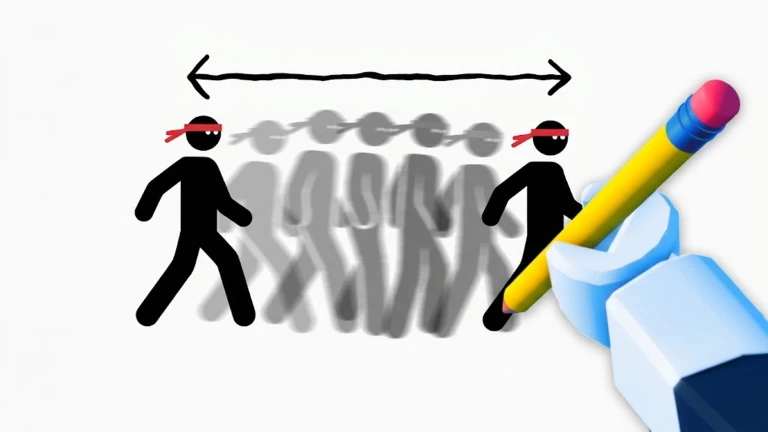
Make a Cartoon is a Roblox party and casual game about drawing and animating your own short cartoons. You start a new cartoon, add stickmen, animals, props and effects, then drag their joints to pose them. Each new frame lets you move them a little, and when you press Play the frames run as an animation.
Your goal is to make a cartoon you want to show others. When you finish, you can share it in the Gallery, where players can like cartoons and try to get the best ones to the Top.
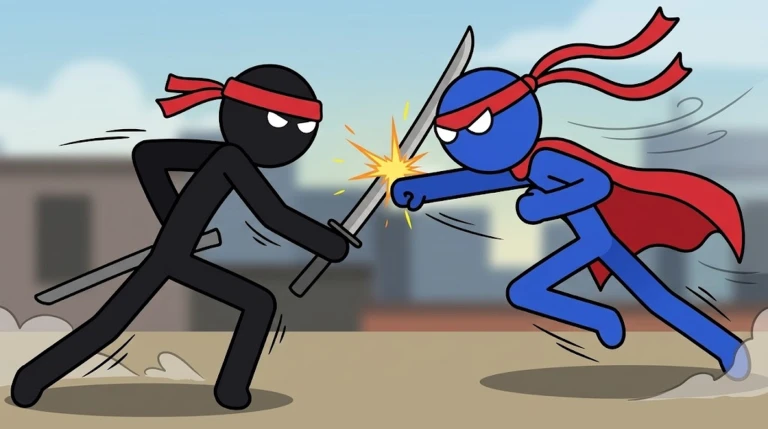
What sets the game apart is its free drawing tools, a color picker that grabs any color from your scene, speech bubbles for dialogue, and camera moves and zooms. It also offers several scenes and saves your work automatically.
Modes
Make a Cartoon modes and maps
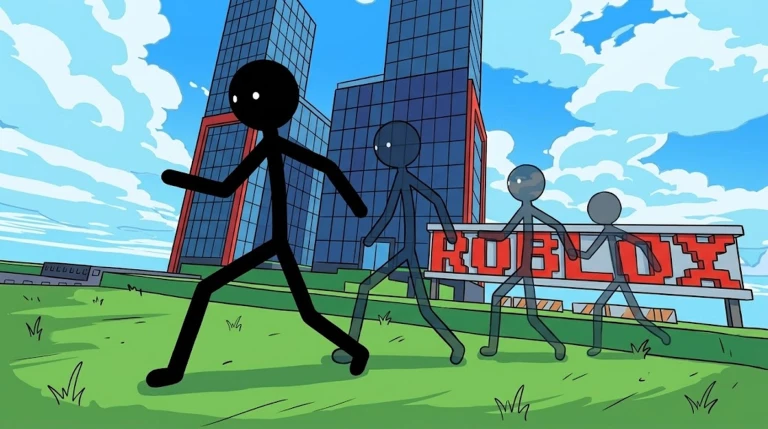
- City
One of the scenes you can choose for your cartoon.
- Beach
One of the scenes you can choose for your cartoon.
- Space
One of the scenes you can choose for your cartoon.
- Night
One of the scenes you can choose for your cartoon.
First steps
How to start in Make a Cartoon
Create a new cartoon from the start of the game.
Add stickmen, animals, props or effects to your scene.
Drag their joints to pose them.
Add a new frame and move them a little.
Press Play to watch them move, then share your cartoon in the Gallery.
Tips
Make a Cartoon tips
- Use the color picker to grab any color from your scene.
- Add speech bubbles to make your characters talk.
- Use camera moves and zooms to frame your shots.
- Try different brush sizes and colors when you draw.
- Your cartoons are saved automatically, so you do not need to save them by hand.
Players
Is Make a Cartoon popular right now?
1,599 people are playing Make a Cartoon right now.
It first reached Roblox's Up-and-Coming chart on October 30, 2026, today, and its best position so far is #86.
72% of 1,266 player ratings are thumbs up, and the game has 844K visits in total.
Each server holds up to 30 players.
Not enough readings for a chart yet: we read the player count every 6 hours, and the line starts after a day. Right now: 1,599 players.
Community
Make a Cartoon Discord, group and community
The game is run by Original efforts, a Roblox community with 1,585 members.
The game's description asks players to join it for a reward.
No Discord invite is written in the game's description. If the developer has a server, it is linked from the game's page on Roblox.
Store and badges
Make a Cartoon passes and badges
Game passes
The game sells no passes: everything in it is free to play.
Badges
The game has 4 badges. The rarest, Star Animator - 10K Views, has been earned by 0% of players (14 so far).
| Badge | Earned by | Rate |
|---|---|---|
| Legendary Animator - 100K ViewsYour shared cartoons reached 100,000 views in the Gallery! | 0 | 0% |
| Star Animator - 10K ViewsYour shared cartoons reached 10,000 views in the Gallery! | 14 | 0% |
| Popular Animator - 1K ViewsYour shared cartoons reached 1,000 views in the Gallery! | 67 | 0% |
| Rising Animator - 100 ViewsYour shared cartoons reached 100 views in the Gallery! | 1.2K | 1.1% |
Updates
Make a Cartoon updates and history
What the developer says changed, then what we saw happen to the game, newest first.
- Reached Roblox's Up-and-Coming for the first time.
- Created on Roblox by Original efforts.
Screenshots
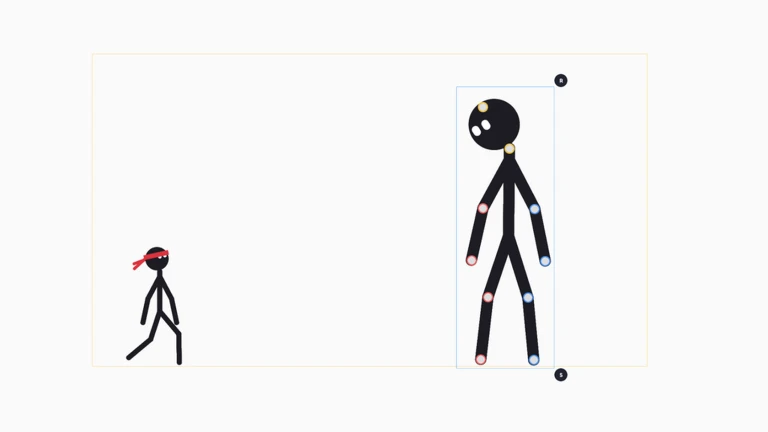
More of the official images the developer shows on the game's Roblox page.
Same days
More new games from the same week as Make a Cartoon
Games that reached the charts within 3 days of Oct 30, most played first.
New Oct 2822K playing+1 Anime EyesClick to gain Chakra, fight through stages, and awaken legendary anime eyes4 codes96% likedsimulatoranime
New Oct 2815K playingThai Quiz DuelsRace through Thai quiz challenges and duel other players on speed and accuracy58% likedpartypvp
New Oct 2813K playingRaise The Biggest FamilyAdopt a baby, pass an interview, and raise your child as they grow73% liked
New Oct 2911K playing+1 Spider ArmClimb walls and swing across stages on a spider arm you train to grow97% likedsimulator
New Oct 2711K playingBug EvolutionGrow from a tiny spider by eating food and evolving into stronger forms72% likedsurvival
New Oct 278.0K playingHide to Steal EggsHide inside eggs, sneak into plots, steal eggs, and hatch pets for money75% likedsimulatorpets
Same genre
New party games like Make a Cartoon
Other party games that reached the charts in the last 30 days, most played first.
New Oct 219.4K playingPaint and Hide!Paint yourself to blend in and hide from the seeker77% likedparty
New Oct 242.9K playingBuild An Anime CharacterBattle other players 1v1 and combine anime character stats to build a stronger fighter2 codes62% likedpartyanime
New Oct 262.6K playingSpot and Mark!Find the object or mark X's on your page, then switch turns to win94% likedparty
New Oct 232.4K playingFreeze TagRun from the Tagger with friends and stay unfrozen until time runs out80% likedparty
Make a Cartoon Roblox questions
How do I share my cartoon in Make a Cartoon?
Share your cartoon in the Gallery. The description says the best cartoons can be liked and reach the Top.
How do I make characters talk in Make a Cartoon?
Use speech bubbles to make your characters talk. You can add them to your scene while you build your cartoon.
Are my cartoons saved in Make a Cartoon?
Yes, your cartoons are saved automatically.
Is Make a Cartoon on Roblox free?
Yes, it is free to play on Roblox, with no game passes for sale.
How many people play Make a Cartoon?
1,599 at our last reading. The most we have counted at once is 1,599.
When did Make a Cartoon come out on Roblox?
It first reached Roblox's charts on October 30, 2026. The game was created on Roblox on October 10, 2026, before its public launch.
Does Make a Cartoon have a Discord server?
The game's description does not give a Discord invite. If Original efforts runs a server, it is linked from the game's page on Roblox.
How do you join the Make a Cartoon group?
Open the Original efforts community on Roblox and press Join Community. It has 1,585 members.