Suzy says… jump on RED!
Jump onto red
The cue is present. Use movement to line up with the red pad, then jump with Space.
Horror game · by MOONBIT
Play the Suzy Says game online. Listen for her name, follow the right commands and explore a house where a cheerful DVD game turns into first-person horror.

First load: about 250 MB, according to the game’s loader. Wait for its progress screen to finish.
Loading or controls not working?Use a keyboard and mouse. Touch controls are not confirmed.
Contains flashing lights and jump scares. Browser build hosted by a third party.
Let the game’s progress screen finish. The first load is large; repeatedly reloading starts it again. Read the guide while the files arrive.
Start the story using the triangular button in the game menu, then click inside the game window before using WASD, Space or C.
If progress has stopped, use Reload game once. It restarts the session. The browser build depends on its external host, so a host outage cannot be fixed by refreshing this page.
Use Full screen below the player, then Exit full screen to return without restarting.
Gameplay
Suzy Says begins with an ordinary return home after visiting a friend. A new interactive DVD is waiting, and its cheerful host introduces a colourful floor mat. That familiar children’s-game setup is the centre of a horror story: you are listening to a character on a television while standing inside the house around it.
The developer describes the mat as a twist on Simon Says. Paying attention to Suzy’s instructions is the core idea, rather than racing through a list of levels or fighting with weapons. The bright character and playful presentation contrast with the unsettling things that happen around you. Expect flashing lights and jump scares, even though the game initially looks like a children’s activity.
Learn the rule
Listen for the cue before reacting to the action. Suzy Says uses the familiar Simon Says rule: follow an instruction only when Suzy introduces it with her name. The tutorial deliberately leaves that cue out of one colour command.
Suzy says… jump on RED!
The cue is present. Use movement to line up with the red pad, then jump with Space.
Jump on BLUE!
This is the tutorial’s trick. Hearing a colour is not enough: without the cue, do not carry out the jump.
Check both parts: whether the cue is present and what action follows. Decide before moving, rather than reacting as soon as you hear a colour or object.
A request to look at an object is different from a request to touch it. The game uses both kinds of commands, including different instructions involving the painting and fridge.
The schoolbag, phone and hiding tasks are separate from the colour exercise. When the objective changes, follow the new task instead of continuing to jump on the mat.
Inside the game
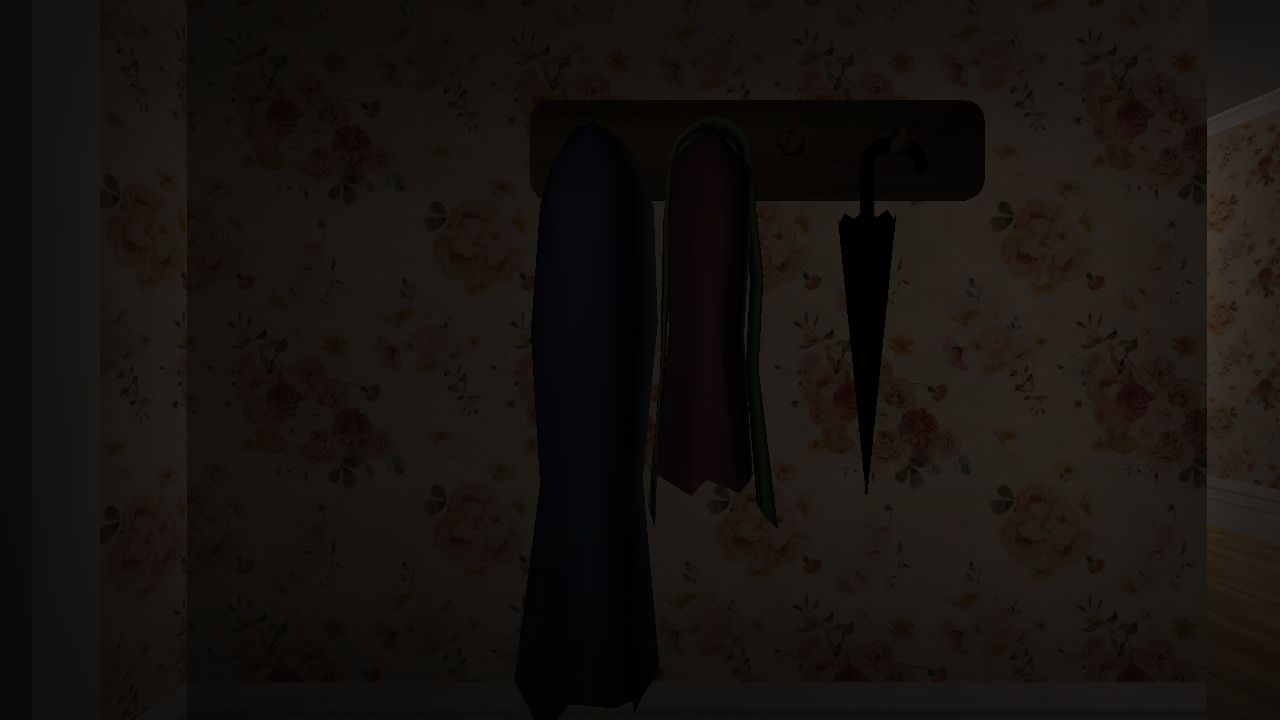
The browser build opens with a schoolbag task. Read the objective at the top of the screen before looking for the DVD; the story starts with exploring your home.
Our browser gameplay capture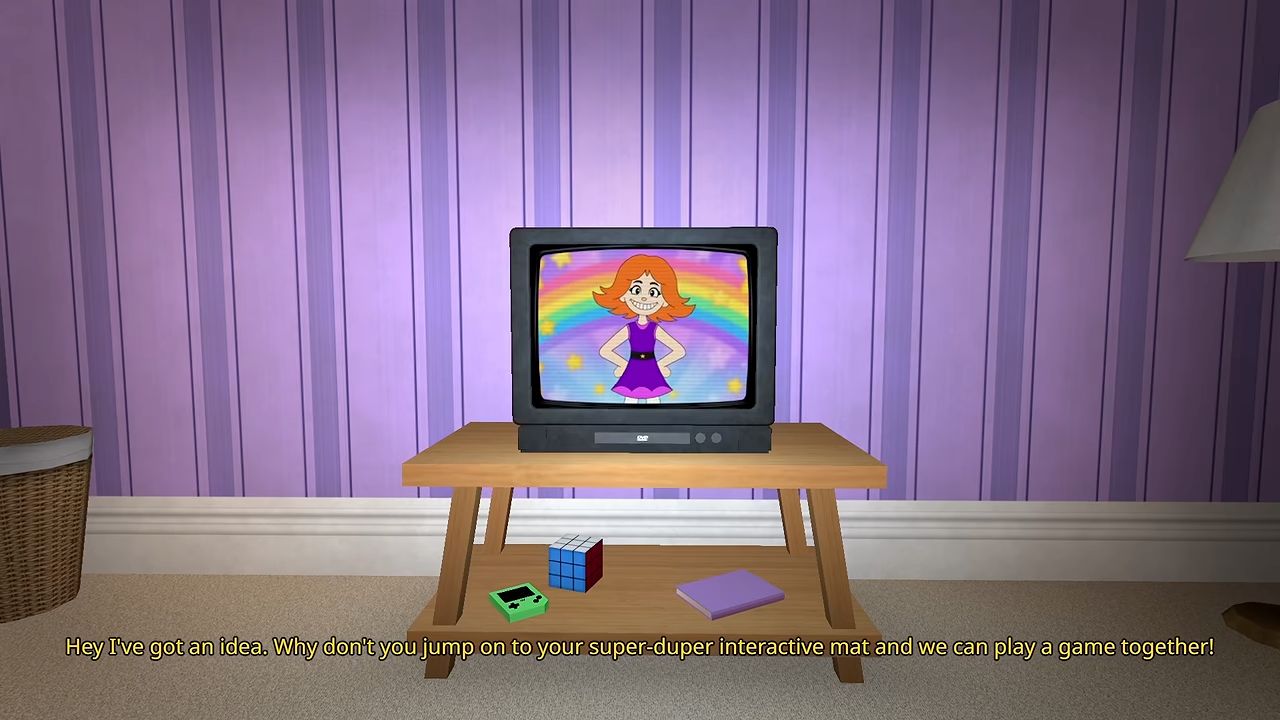
Suzy appears on a TV in the room, with the interactive mat in front of it. The cheerful presentation is part of the horror setup: the game asks you to listen to its host and respond inside the house.
MOONBIT official trailer · 0:10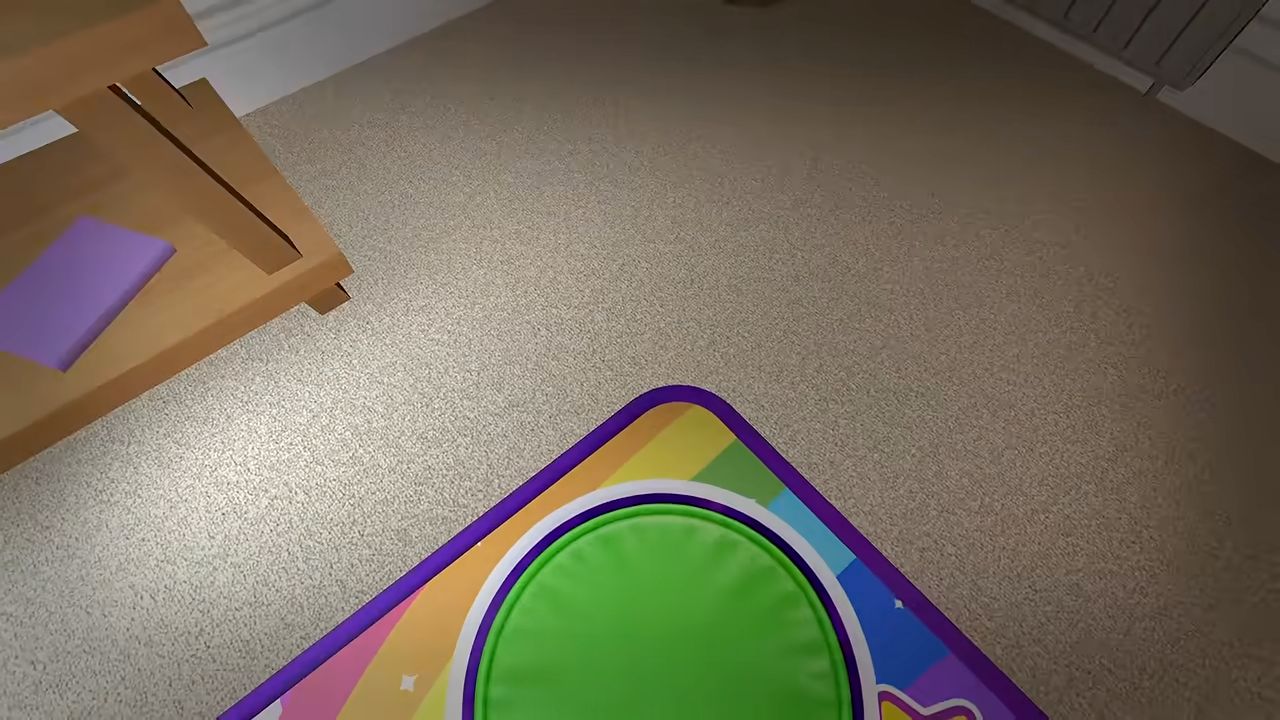
The official trailer shows a command to jump on green followed by movement onto that pad. Identify the requested colour before jumping; the mat is part of the controls, not just room decoration.
MOONBIT official trailer · 0:20First steps
Start the story from the title menu, then take your schoolbag to your room. The opening is an exploration task: you do not begin on the coloured mat.
Follow the next objective to the kitchen. Read Mom’s note for the setup: she is at work, and your uncle has left something for you to try. The game takes place at home in October 2003.
Pick up the Suzy Says game box when prompted, then follow the task to switch on the television and set up the game. Use the on-screen interaction prompts as you approach objects.
Join Suzy on the mat and learn the cue rule above. The first exercise introduces the colours before testing whether you noticed a missing cue. Keep sound on, or use the subtitles available in your edition.
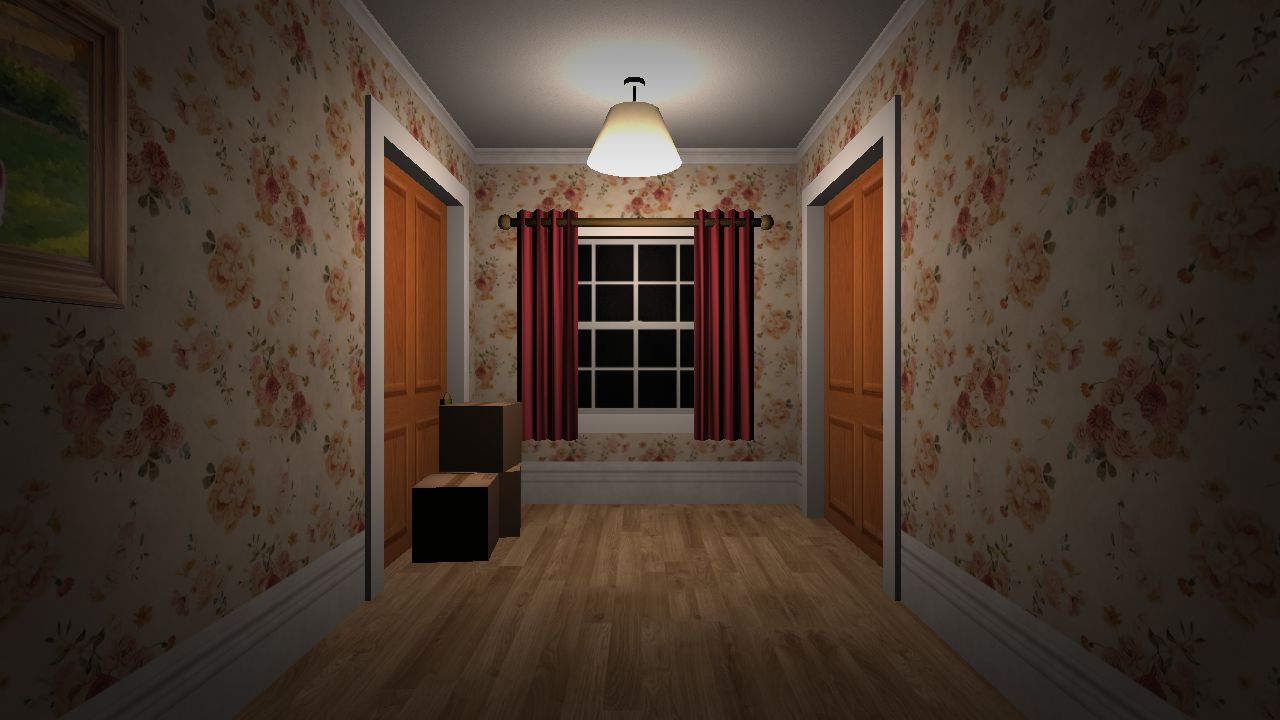
The hallway connects the opening exploration. Check each room as you complete the schoolbag task so returning through the house is easier later.
Our browser gameplay captureStory objectives
A route overview after the opening tutorial. Expand when you want hints about later tasks.
Before you replay
Suzy Says has a story finale and a separate secret ending advertised for the Full Windows release. Endless Mode is another Full-release extra, not an ending. Check your edition before attempting an alternative route: the browser player is not confirmed to include every Full feature.
Story spoilers: the candle sequence leads into Suzy’s final instruction involving symbols. The dialogue then includes Mom returning and searching for the player. The contrast is the point of the scene: finishing the host’s activity does not resolve the home-alone story as an ordinary children’s game would.
The game’s task text also contains an objective to break the DVD and Suzy protesting that action. That establishes the alternative route’s central idea, but does not prove when it becomes available. We have not verified a universal first-run or replay unlock sequence, so this guide does not promise that restarting or breaking the disc at any moment will trigger it.
Compare editions
| Edition | What to expect |
|---|---|
| Browser · on this page | Starts in the player above with a keyboard and mouse. The title menu and opening house scene have been checked. Endless Mode and the Full release’s secret ending have not been confirmed in this build. |
| Windows · Standard | The developer offers the standard Windows download under name-your-own-price. This is the base release listed separately from the Full file; Endless Mode and the secret ending are listed as extras in the Full release. |
| Windows · Full | The Full Windows file is listed at US$1.50 or more when checked on November 15, 2026. MOONBIT says it adds Endless Mode and a secret ending. This describes the developer’s download, not a purchase required to open the browser player above. |
Checked November 15, 2026 using developer notes, the browser build’s tutorial and task text, and an opening-scene playtest. MOONBIT’s Suzy Says listing · Official gameplay trailer · Browser game tutorial and task text · Launch and subtitle fix · Subtitle update.
Keep exploring
First check whether the instruction included the Suzy says cue, then whether it asked you to look, touch, jump or crouch. Following a no-cue instruction is a mistake. Also check your version: MOONBIT’s November 8 patch fixed an incorrect subtitle near the end. The embedded build’s patch level is not confirmed.
The browser player on this page starts without a payment. MOONBIT separately offers a name-your-own-price standard Windows download and a paid Full file with extra content. Opening this player does not purchase or unlock the Full download.
No. The children’s-TV presentation is the setup for a horror game. It contains flashing lights, jump scares and unsettling themes; the cheerful host and colourful mat do not make it a children’s activity.
This page fits a phone screen, but the embedded build is best approached with a keyboard and mouse. Touchscreen controls are not confirmed, so a desktop or laptop is recommended.
The developer release checked for this guide is Suzy Says by MOONBIT on itch.io for Windows. This page does not link a verified Steam or Roblox edition. A similarly named game on another platform can refer to a different release.
MOONBIT lists English, French, German, Italian, Spanish, Brazilian Portuguese, Polish, Russian, Chinese and Japanese subtitles for the Windows release. The November 13 update added more languages. Subtitle support does not mean the voice acting has been translated into each language.
Suzy Says is by MOONBIT. Its itch.io listing shows November 7, 2026 as the publication date. It appears in our November 2026 games archive.